How to Access Your TaxDrop Dashboard
Your TaxDrop dashboard is where you can track your case progress, view updates, and manage your properties.
Getting In
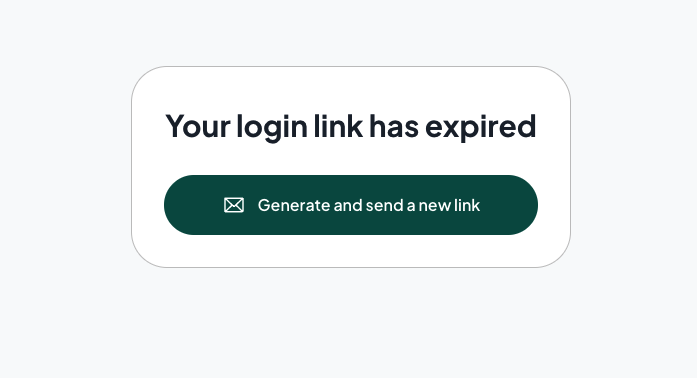
Immediately after enrolling, you should have received a login email and SMS with a "magic link" directly to your dashboard — no password needed. Just click the link and you're in.
Lost Your Link?
Go to app.taxdrop.com/login and request a new magic link. It'll be sent to the email address associated with your account.
Seeing the Wrong Page?
If you see the "See how much you could save" page instead of your dashboard, you're likely on the main site instead of your unique dashboard link. Use the link from your confirmation email or SMS to go directly to your active case.
Forgot Your Password?
TaxDrop uses magic links — no password required. If you need to log in, just request a new magic link at app.taxdrop.com/login